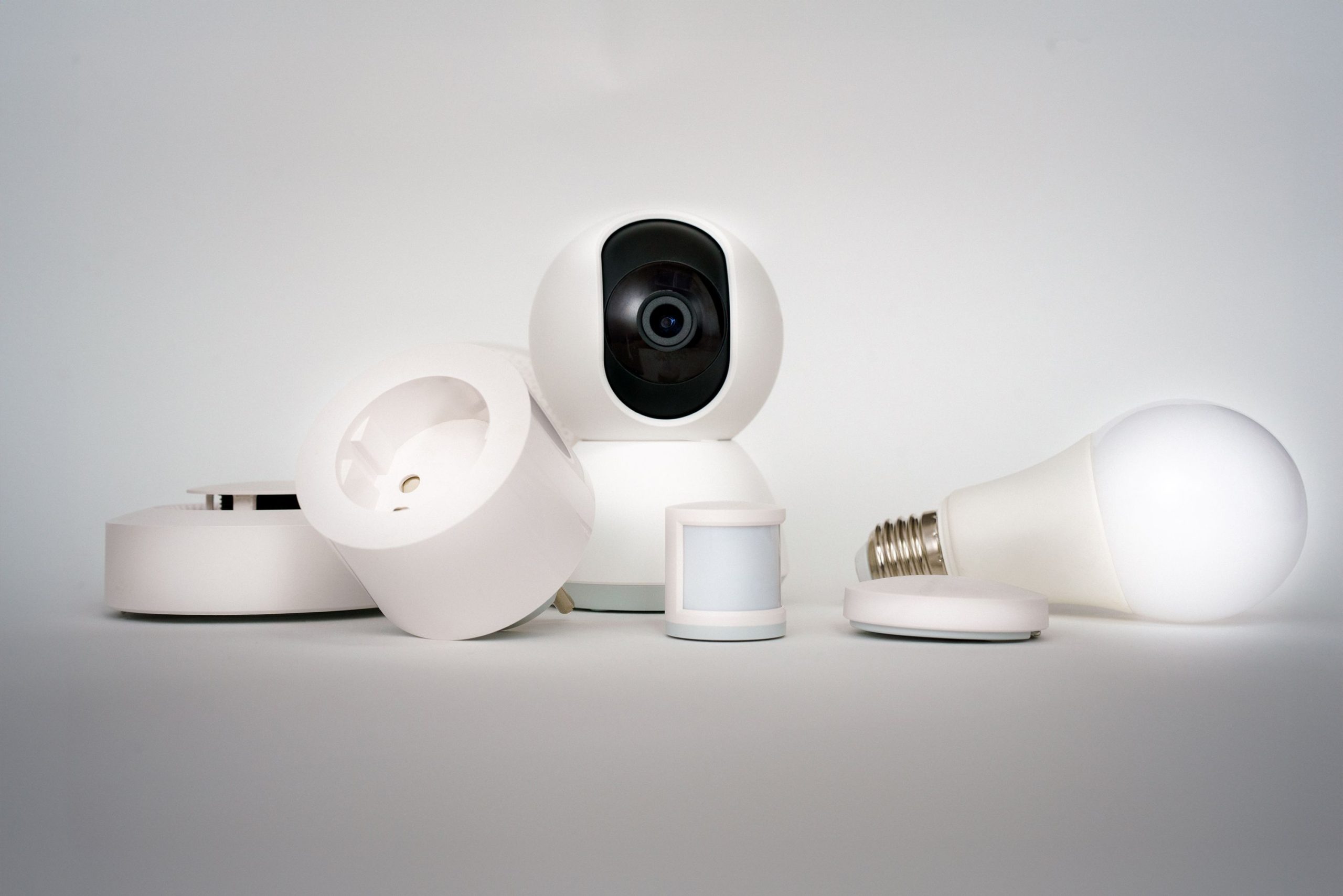
Your thermostat has opinions. Your robot vacuum has a vendetta against the cat. Your smart speaker only understands you when you are not asking for anything important. Anyone who lives with connected gadgets knows the comedy is already there, waiting for a camera.
The good news is you no longer need a film crew to capture it: a text to video AI free workflow in Dreamina lets you turn these household rebellions into short, polished comedy clips. This guide walks you through finding the funniest premises, writing prompts with real comic timing, and producing videos your friends will happily forward.
Why smart home chaos is comedy gold
Comedy thrives on the gap between what we expect and what happens. We expect a smart home to be obedient, so every misfire feels like a tiny betrayal. Lights that turn off mid-dinner, a doorbell that announces strangers who are not there, and a fridge that nags you about milk are all small injustices with huge relatable energy.
AI-generated video makes this easy to stage. Instead of building sets or hiring performers, you describe the scene and let the model handle the camera work, expressions, and motion.
Devices that make the best comedic characters
Not every gadget carries the same comedic weight. These ones practically audition themselves:
- The robot vacuum: relentless, dramatic, and always trapped under the same chair.
- The smart speaker: cheerfully wrong, endlessly polite, and a master of misunderstanding.
- The thermostat: a passive-aggressive roommate who controls the climate.
- The video doorbell: an anxious security guard who panics at every leaf.
- The smart fridge: a judgmental nutritionist with a screen.
- The smart bulb: a moody artist who changes color based on vibes.
Meet Seedance 2.5: features that suit sitcom-style clips
Dreamina generates video with Seedance 2.5, a model built for expressive, controllable motion. For comedy, these strengths matter most:
- Strong prompt following: the gag you describe is the gag that appears on screen.
- Multi-shot storytelling: cut from a wide living room shot to a reaction close-up for classic timing.
- Expressive character motion: exaggerated reactions from people and pets come through clearly.
- Cinematic camera moves: crash zooms and slow push-ins add mock drama.
- Reference image consistency: keep the same room and characters across episodes.
- Flexible formats and audio: export in the right shape and add a generated soundtrack.
Pick a comedic format before you prompt
A clear format keeps your prompt focused. Try one of these:
- The escalation: a small glitch grows into total household chaos.
- The mock documentary: a serious narrator studies “the secret life of the robot vacuum.”
- The workplace sitcom: devices act like coworkers in a tense meeting.
- The horror parody: ominous music as the smart bulb flickers in a dark hallway.
- The apology scene: a device tearfully admits it ordered forty pounds of oat milk.
How to make your smart home comedy with Dreamina
Three steps will lead you from an idea to a ready video.
Step 1: Upload a reference image and enter a prompt
Go to Dreamina, log in, and go to the “AI Video” tab. Click on “Add reference image” and upload your image, e.g., your living room image.
The sample prompt for a 30-second video is as follows: Using the provided image as reference for the room layout, sofa, and warm lamp lighting, generate a comedy scene. The small robot vacuum drives around the floor and gets jammed under the sofa, beeping in an exaggerated panic. The smart speaker on the shelf, having heard that robot, calmly says it will play “Panic at the Disco” instead. The thermostat on the wall shows a sad face. The orange cat sitting on the sofa’s armrest stares at all the fussing around and knocks off a mug in alarm. Finish the video by focusing on the cat looking at the camera. Handheld shot, deadpan voiceover, quirky orchestral soundtrack.
Step 2: Creation of the Video
After selecting your image and prompt, select Seedance 2.5 option to create your video content. Then, pick the duration of your video and the right aspect ratio as well – either 16:9 for YouTube videos or 9:16 for TikTok videos. Just hit the Dreamina logo button after that.
Step 3: Editing and exporting the video
You can edit your video by using the advanced AI video editing tools in Dreamina. Some of the advanced features include Upscale for high resolution and Generate soundtrack for adding sound effects.
Writing gags that land in thirty seconds
Short comedy needs a tight structure: setup, complication, reaction. Start by showing the normal situation in one line, then introducing the glitch, then ending on a reaction shot. Specific actions beat vague adjectives, so write “the vacuum spins in a slow circle while beeping” instead of “the vacuum acts funny.” Give your characters clear emotional states, such as smug, terrified, or deeply offended, and the model will translate them into performance.
Visual details that sell the joke
Small touches make a clip feel crafted rather than random:
- Glowing indicator lights that change color with the device’s mood.
- Tiny on-screen text, like a thermostat reading “I SAID 68.”
- A pet reacts in the background, which doubles the laughs.
- Lighting shifts, such as a hallway going red during a dramatic moment.
- A final freeze frame on the most guilty face in the room.
Using sound to punch up the punchline
Sound design is half the comedy. Pair a mock-serious orchestral sting with a trivial problem, or go silent right before the reveal. Dreamina’s soundtrack tool can generate a mood that matches your scene, and a short beep, chime, or awkward silence can land harder than a full song. Keep music lighter than the visuals, so the joke stays in front.
Keeping your series fresh
One funny clip is nice, but a series builds a following. Consider these ideas:
- Create a recurring cast with fixed descriptions, like “Roomba Rick” and “Thermostat Theresa.”
- Give every episode a title card, such as “Episode 5: The Great Wi-Fi Outage.”
- Rotate formats from horror parody to mock documentary.
- Invite viewers to submit their own smart home disasters for future episodes.
Final thoughts
Everyone has a story about a gadget that refused to cooperate, and a text to video AI free tool makes those stories easy to stage. Choose a misbehaving device, write a prompt with clear comic beats, and let Seedance 2.5 deliver chaos.